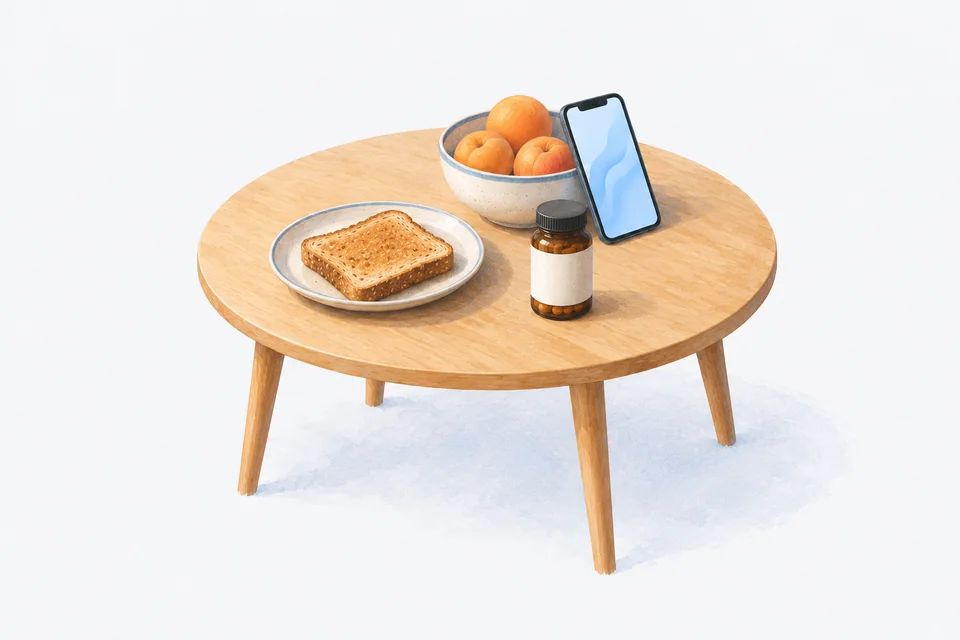
Vitamins are easy to forget for a simple reason: nothing happens when you miss one. There is no symptom to remind you and no pharmacy call to make. A vitamin reminder works when it is tied to a meal you already eat, comes with a follow-up and lets you log in one tap.
Plenty of people buy a jar of vitamins with good intentions and find it half full six months later. The fix is less about motivation and more about where the jar lives, when the reminder fires and how quickly you can mark it done. This guide covers all three.
Whether you need a particular vitamin, and how much, is a question for your doctor, pharmacist or dietitian. This guide is only about remembering the ones you have already decided to take.
Tie each vitamin to a meal
Many vitamins and supplements are better taken with food, and some labels say so. Even when the label does not mind, a meal is the best anchor you have, because you eat at roughly the same times every day.
- Breakfast vitamins. Keep the jar next to the cereal, the toaster or the coffee. The reminder fires a few minutes after you usually sit down.
- Dinner vitamins. Keep the jar near where you serve dinner, not in the bathroom. Some people find evening easier because breakfast is rushed.
- Lunch. Harder, because lunch moves around. If a vitamin needs to be taken at lunch, keep a small supply at work or in your bag.
Check each label. Some supplements say to take them away from food, or away from other supplements or medication. Your pharmacist can tell you if anything you take should be spaced apart.
Set the reminder for the meal, not the clock
If you eat breakfast between 7 and 8, a reminder at 7 sharp will often fire before you sit down. Set it for the later end of your usual meal time instead, and turn on a follow-up for days when the meal runs late.
A dose window also helps here. A window of an hour or so means a vitamin taken at 8:20 for an 8:00 reminder still counts as on time, which matches how meals actually work.
Group vitamins that go together
If you take several things at breakfast, you do not need five separate notifications. Set them all for the same time, and many apps will group them into one reminder. One tap to log the lot keeps it quick.
Keep separate times for anything with its own instructions, such as "on an empty stomach" or "two hours apart from your other medication".
Log it, even though it is "just a vitamin"
It is tempting to skip logging vitamins. Two reasons not to:
- "Did I take it?" is just as real for vitamins as for medication. A log answers it, and saves you either missing a day or doubling up.
- Your doctor may ask. Some vitamins and supplements matter for blood tests or interact with medication. A list with how often you actually take them is more useful than a guess.
Keep track of supply
Running out of a vitamin is not urgent, but it is the most common way a habit breaks. You finish the jar, mean to buy another and three weeks pass. Track how many are left and get a nudge when you are down to a week or two, so the new jar is home before the old one is empty. Our refill reminder guide explains how supply tracking works.
When a vitamin is not every day
Some vitamins are taken weekly, monthly or on certain days. A good reminder app handles these without you having to remember which day it is:
- Weekly. Pick the day of the week.
- Every few days. Use an "every N days" schedule.
- Monthly. Pick the day of the month.
For anything less frequent than daily, a reminder matters more, not less, because there is no daily habit to lean on. See our guide to every other day and Mon/Wed/Fri schedules.
Reading the label
Vitamin labels can be confusing, especially when the same nutrient is listed in different units on different brands. If you are comparing jars, our guide to IU vs mg on supplement labels explains what the units mean.
When you enter a vitamin into an app, copy the strength exactly as it is printed on the label. If you switch brands, update it.
How Cadence handles vitamins
You can add vitamins and supplements to Cadence just like medication, with no limit on how many in the free version. Set them for meal times, group them into one reminder and log from the Lock Screen, a widget or your Apple Watch. Dose windows and follow-ups are built in. Supply tracking warns you when a jar is running low. There is no account and no subscription, and your list stays on your phone.
Frequently asked questions
Is it worth using an app just for vitamins?
If you keep forgetting them, yes. The same reminder and log that works for medication works for vitamins.
Should vitamins be in the same app as my medication?
Usually it is better to keep everything in one place, so you have one list to show your doctor or pharmacist and one routine to follow.
What is the best time of day to take vitamins?
It depends on the vitamin and the label. Ask your pharmacist if you are unsure. Once you know, an app can help you stick to it.
What if I only take a vitamin in winter?
Add it when you start and pause or finish it when you stop. Your history is kept for next time.
Cadence is a free medication reminder app for iPhone and Apple Watch. It is not medical software and does not give medical advice. Cadence Pro is a one-time purchase, with no subscription.