Time blindness is the ADHD experience of not feeling time pass. "I'll take it in a minute" becomes three hours, and a midday dose turns into an evening one without any sense of the gap. Reminders work better when they do not depend on you noticing time: follow-ups that keep coming, cues you can see and a log that tells you how long it has really been.
This guide is about the remembering part of medication with ADHD, especially for doses after the morning. Our guides on ADHD medication in the morning and ADHD medication routines cover the start of the day. Timing decisions about your medication belong with your prescriber; this is about following the plan you already have.
What time blindness looks like with medication
Many people with ADHD describe a few patterns:
- "Now" and "not now". Time is felt as two states rather than a smooth line. A dose that is not due now does not feel real until suddenly it is overdue.
- Hyperfocus. You start something at 1 pm, look up and it is 5 pm. The reminder fired at 2. You saw it, meant to act on it and then it was gone.
- Snooze loops. You snooze, the reminder returns, you snooze again. Each snooze feels like a few seconds. Together they add up to hours.
- Losing track of the gap. It is hard to judge whether the last dose was two hours ago or five, which matters for medication with a minimum spacing.
None of this is about not caring. It is about how time is perceived.
Reminders that keep coming
A single reminder assumes you will act on it when you see it. With time blindness, the moment passes. What helps:
- Follow-up reminders. If the dose is not logged, the app reminds you again after a set gap, and again after that. You stop needing to remember to remember.
- Short snoozes. If you snooze, keep it short, such as 10 minutes, so a snooze does not quietly become an hour.
- Time Sensitive delivery. On iPhone, allow your medication app's notifications through your Work or Do Not Disturb Focus, so hyperfocus mode does not silence them.
- Your wrist, not just your phone. A tap on the wrist interrupts in a way a banner on a face-down phone does not.
Make time visible
If you do not feel time passing, show it:
- A countdown on the Lock Screen. Seeing "next dose in 1 h 20 min" whenever you pick up your phone turns an abstract time into something you can see.
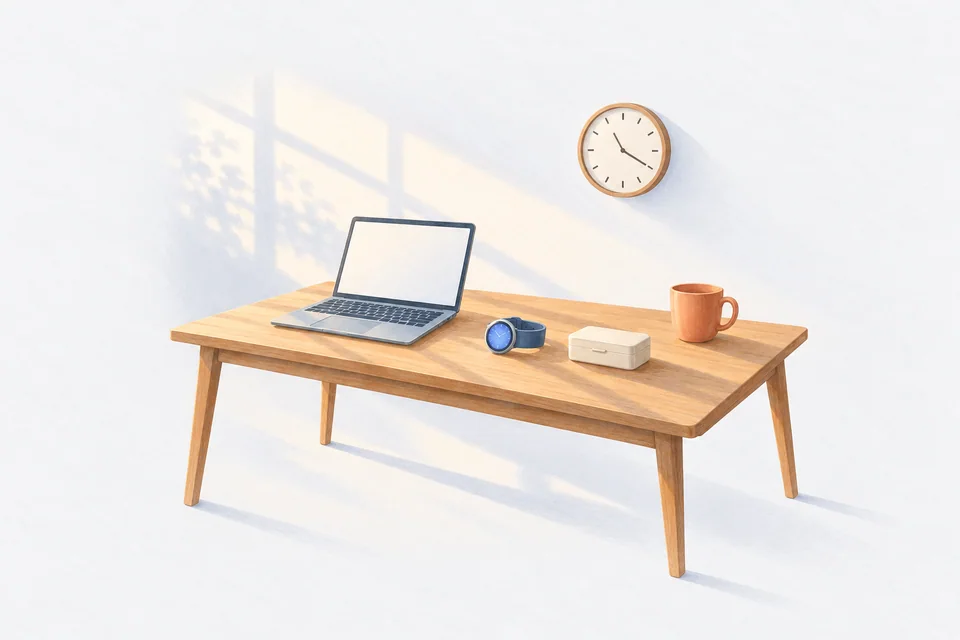
- An analogue clock in your workspace. The moving hands show elapsed time better than digits for many people.
- A visual timer. Some people use a timer that shows a shrinking coloured disc when they start a focused task.
- Today's list. A screen that shows taken doses with their times and the next one still to come.
Tie doses to events, not times
Where your prescriber's instructions allow, link a dose to something that happens anyway:
- Lunch. Keep the afternoon dose with your lunch, not in your bag in another room.
- A recurring meeting or class. Take it as you sit down.
- Leaving work or school. Keep it with your keys.
The reminder is the backup. The event is the main cue.
Use the log to judge the gap
When you are unsure how long it has been since your last dose, the log answers it. A log with exact times is far more reliable than "I think it was before lunch". That matters for any medication with a minimum gap or a daily limit, and it matters before you decide what to do about a dose that is late.
If a dose is very late, do not guess. Check the leaflet or ask your pharmacist whether to take it now or skip it. Our guide to taking medication late has the general questions to ask.
Reduce the steps
Every extra step is a chance for time to slip:
- Log from the notification. No unlocking, no searching.
- Keep water and the medication together.
- Carry a day's dose. A small, labelled container in your bag means "I'll take it when I get home" is not the only option. Check with your pharmacist that your medication is fine out of its original pack.
Be kind about the misses
Some days the system will fail. That is expected. Look at your history once a week, not every hour. If the same dose keeps slipping, change the cue or the time rather than trying harder. If timing is a constant struggle, mention it to your prescriber; they may have suggestions.
How Cadence helps with time blindness
Cadence reminders arrive as Time Sensitive notifications with Take, Skip and Snooze on the Lock Screen, and follow-ups repeat at the gap and count you choose while the dose is unlogged. For medication taken every few hours or as needed, the Lock Screen countdown shows how long until the next dose is due or allowed. Every dose is logged with its time, so you can see how long it has really been. Apple Watch logging and Home Screen widgets keep the steps short. It is free, with no account and no subscription.
Frequently asked questions
How many follow-up reminders is too many?
Enough that you act on one. Start with two or three and adjust.
Should I set a reminder for every dose, even ones I usually remember?
Yes. The days you do not need it are fine. The days you do are the reason it is there.
What if I take a dose late and the next one is soon?
Ask your pharmacist how to handle it for your medication, rather than doubling up or skipping on a guess.
Cadence is a free medication reminder app for iPhone and Apple Watch. It is not medical software and does not give medical advice. Cadence Pro is a one-time purchase, with no subscription.