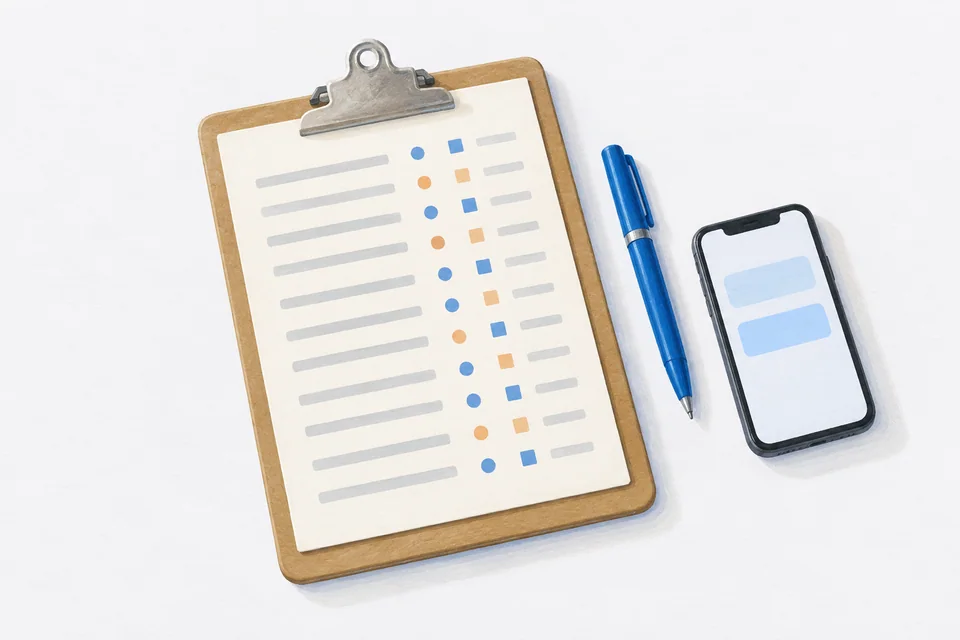
A medication log is useful to a doctor when it is short, accurate and easy to scan: what you take, when you actually took it, what you missed and anything that changed. Keep the daily record detailed and the summary you hand over brief. A doctor has minutes, not an hour, so lead with the patterns.
Most people arrive at appointments with a rough memory: "I take it most days", "I think I missed a few last month". A log replaces that with facts. It helps your doctor see whether a medication is being taken as planned before deciding whether it is working, and it helps with questions about side effects, timing and as-needed use.
What to record every day
For each dose:
- The medication and amount
- The time you took it, not just a tick
- Skipped or missed doses, and a word on why if you know ("asleep", "away", "felt sick")
For as-needed medication:
- The time and amount
- What it was for
- Whether it helped, if you want to add that
Occasionally:
- Side effects or new symptoms, with the date
- Changes, such as a new dose, a new brand or a medication started or stopped
- Anything that might matter, such as an illness, travel or a change in sleep
Keep it factual. "Headache in the afternoon, 3 days this week" is more useful than "felt awful".
Paper or phone?
Either works. What matters is that you record each dose at the time.
- Paper: a simple table with dates down the side and doses across the top. Keep it next to your medication with a pen. Easy to hand over; easy to lose.
- Phone: a medication app logs the time automatically when you tap Take, so the record builds itself as you go. Easier to keep accurate; you will need to export or show it.
- Spreadsheet: fine if you are already at a computer every day, but easy to fall behind on.
Making a summary for the appointment
Your doctor does not need to read every line. Bring a one-page summary on top of the full record:
- Your current medication list: name, strength, how often and what it is for.
- How regularly you have taken each one over the past month or three: for example, "morning tablet: taken on 27 of 30 days; evening tablet: taken on 22 of 30 days, missed mostly at weekends".
- As-needed use: how often, and whether that has changed.
- Anything new: side effects, symptoms or changes since the last visit.
- Your questions, written down.
The full log stays behind it, in case the doctor wants detail.
Lead with patterns
Patterns are what make a log useful:
- Time of day. "Evening doses are missed more than morning ones."
- Day of week. "Most misses are on Saturdays."
- Since a change. "Since the dose went up, I've used the as-needed tablet more often."
- Timing. "I usually take it about an hour later than the label says."
Patterns lead to practical conversations, such as whether a dose time could move to suit your routine. Only your doctor can decide that.
Be honest
A log is only useful if it is true. If you missed doses, record them. Doctors are used to seeing gaps, and knowing about them helps them make better decisions. A perfect-looking log that is not accurate can lead to a medication being changed when the real issue was missed doses.
How much history to bring
For a regular check-up, the past one to three months is usually enough. Our guide to 90 days of medication tracking explains why a few months shows patterns a single week cannot. For a specialist, bring whatever covers the period since your referral. Our checklist for specialist appointments has more.
Privacy
Your log is your health information. Share it with the people who need it, in a format you control. A PDF or printout you hand over in person is easy to keep track of. If you email it, send it to an address your clinic has given you.
How Cadence keeps the log
Cadence logs every dose with the time you took it, whether you tap Take on the Lock Screen, a widget or your Apple Watch. Skipped and missed doses are recorded too, along with as-needed doses and daily reflections on mood, energy and symptoms. Each medication has a Dose History you can scroll through. Cadence Pro creates a PDF adherence report with your medication list, how regularly each was taken and the patterns over the period you choose, ready to print or share. Your data stays on your phone until you choose to share it.
Frequently asked questions
Will my doctor want to see a log?
Many do, especially when a medication is new, when a dose has changed or when you are not sure it is working. If you are unsure, ask at the start of the appointment.
How long should I keep a log?
As long as it is useful. Many people keep logging for as long as they take the medication, because it costs little and helps at every appointment.
What if my log shows lots of missed doses?
Bring it anyway. It is exactly the information your doctor needs.
Cadence is a free medication reminder app for iPhone and Apple Watch. It is not medical software and does not give medical advice. Cadence Pro is a one-time purchase, with no subscription.